Interviews — legacy configuration guide
Customer administrator — legacy
Prerequisites and access
The Interview playbook distinguishes campaign visibility, questionnaire access, campaign administration, evaluator changes and preparation reopening. Role assignments vary by tenant; ask the platform owner to confirm your access.
Finish the questionnaire and its translations before assigning it. The documented interview type is 1 to 1. If the form includes objectives, prepare the relevant periods. Import or synchronize users and verify manager/evaluator relationships before selecting the population.
Campaign fields and sequence
- Open Performance → Interviews in the manager workspace.
- Choose the campaign creation action only when ready to create a stored draft. Opening the link saves the initial draft immediately.
- Complete the campaign information, select the 1-to-1 questionnaire, set its participants/evaluators and configure planning as needed.
- Reopen the campaign summary and confirm the selected values before publishing.
| Group | Setting / values | Scope and effect |
|---|---|---|
| Information | Name, description, status, tags, start/end date and time. Name, description, status and dates are required in the editor. | Identifies and schedules the campaign. Draft/published are configured values; list tabs also reflect lifecycle. |
| Questionnaire | Previously created 1-to-1 questionnaire. | Defines content, required fields and employee/evaluator access. Objective questions need the applicable periods. |
| Participants | Selected employees and their evaluators. | The playbook describes initial N+1 manager assignment; verify the resulting evaluator for each employee. Later manager changes do not establish automatic reassignment. |
| Planning | Campaign notifications and meeting-related options where enabled. | Notification templates, scheduling controls and delivery depend on platform configuration. |
Review information, questionnaire, participants and planning before publishing. Use an approved sample campaign to validate a new setup. Before modifying a questionnaire with existing answers, assess its current use.
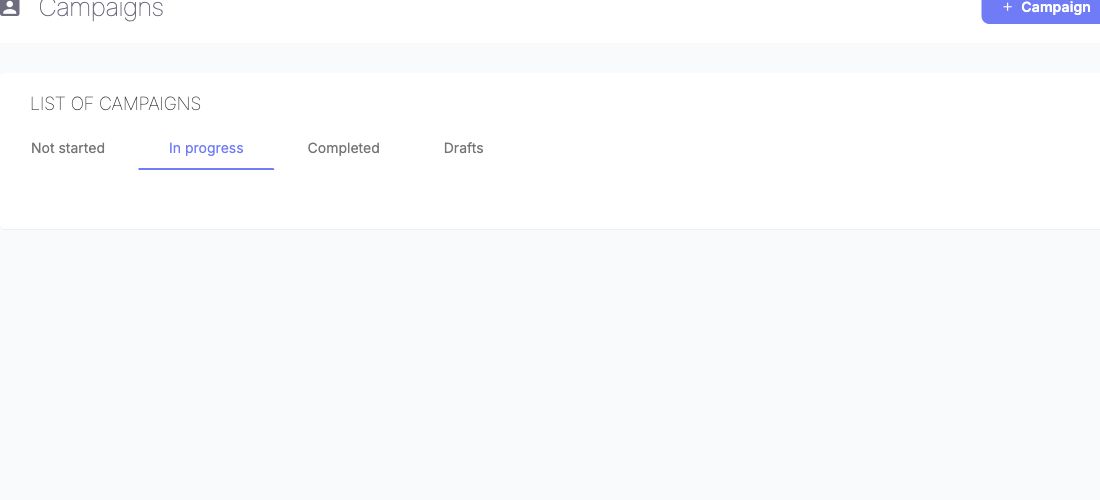
Use the lifecycle tabs to find campaigns by status and date. Open a campaign to manage its population, questionnaire and planning.
Reopening and corrections
- Open the completed interview from an authorized manager/HR view and review its status and signatures.
- Ask an authorized HR administrator to confirm the preparation-unlock permission and the reason for reopening.
- Use the unlock/reopen action only when it is available and the correction is approved.
- Reopen the interview and confirm the intended preparation can be corrected; review the resulting status and signature state before closing it again.
The reopening guidance, v5, 21 May 2026, describes a dedicated preparation-unlock right and recommends limiting it to HR. Reopening is not a universal rollback of effects or signatures.
Dernière mise à jour : 3 novembre 2026