Interviews — legacy functional guide
Conduct a legacy interview as a manager
Find a campaign and an interview
- In the manager workspace, open Performance → Interviews.
- Choose the campaign group: Not started, In progress, Completed or Drafts.
- Open an available campaign and locate the interview within your authorized population.
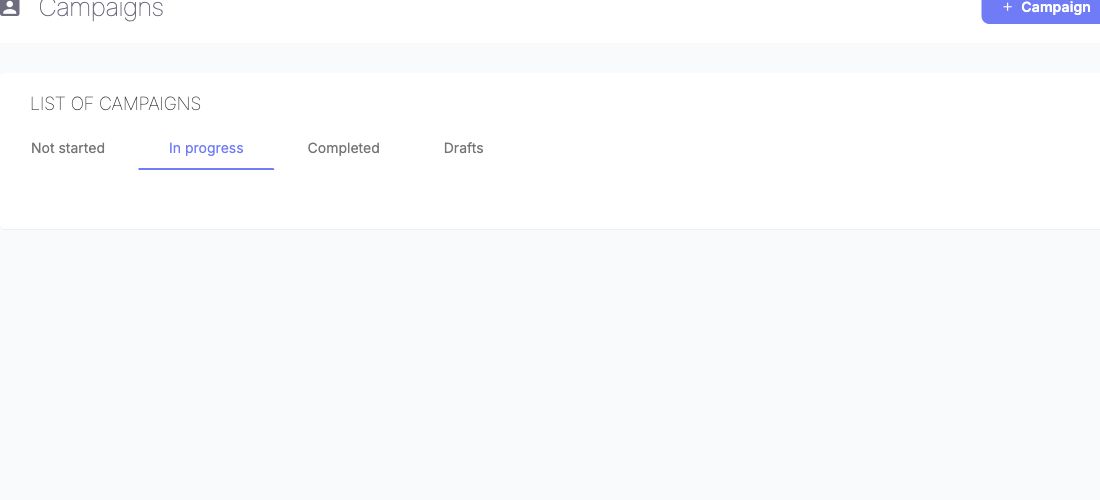
Use the lifecycle tabs to find the campaign group you need. The tabs organize campaign status; they do not change campaign dates or publish a campaign.
The legacy campaign table can filter by manager, search, employee/manager preparation, employee/manager signatures and whether the interview took place. These are distinct states. A manager filter narrows the selected evaluator's population; a preparation filter does not imply signature completion. Available filters depend on role and configuration.
Prepare, meet and follow up
Follow the available steps for your assigned interview:
- Open the assigned employee interview and follow its questionnaire sections.
- Prepare the evaluator's answers, skills or objectives where the form allows them. Employee-only fields need not be editable by the evaluator.
- Mark preparation complete after checking the answers. Arrange the meeting using the scheduling controls when enabled, or your company's process when scheduling is hidden.
- Review the two contributions together and complete the meeting/signature steps offered for that campaign.
- Consult the report/PDF when available. Changing evaluator, reopening preparation or unlocking a completed interview requires the appropriate right.
The legacy employee-signature guidance requires the manager to finish their part before the employee can sign. It describes an electronic-signature checkbox followed by confirmation. Treat this as the documented legacy process, not a universal nextgen rule.
Dernière mise à jour : 3 novembre 2026